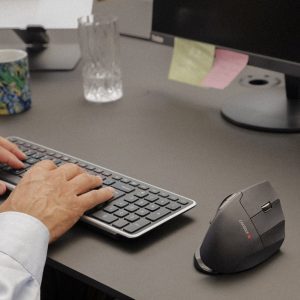


Most upper limb strain in desk workers doesn’t stem from heavy lifting, it builds silently through thousands of micro-reaches to a standard mouse positioned outside your shoulder line. That repeated lateral reach forces sustained shoulder abduction, neck muscle activation, and forearm rotation. The Contour Touch is designed to eliminate that reaching motion completely by bringing your primary input control directly into your central body zone.
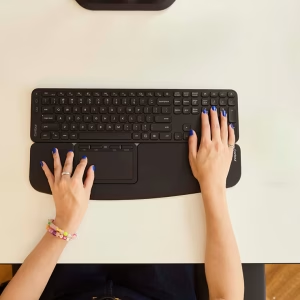
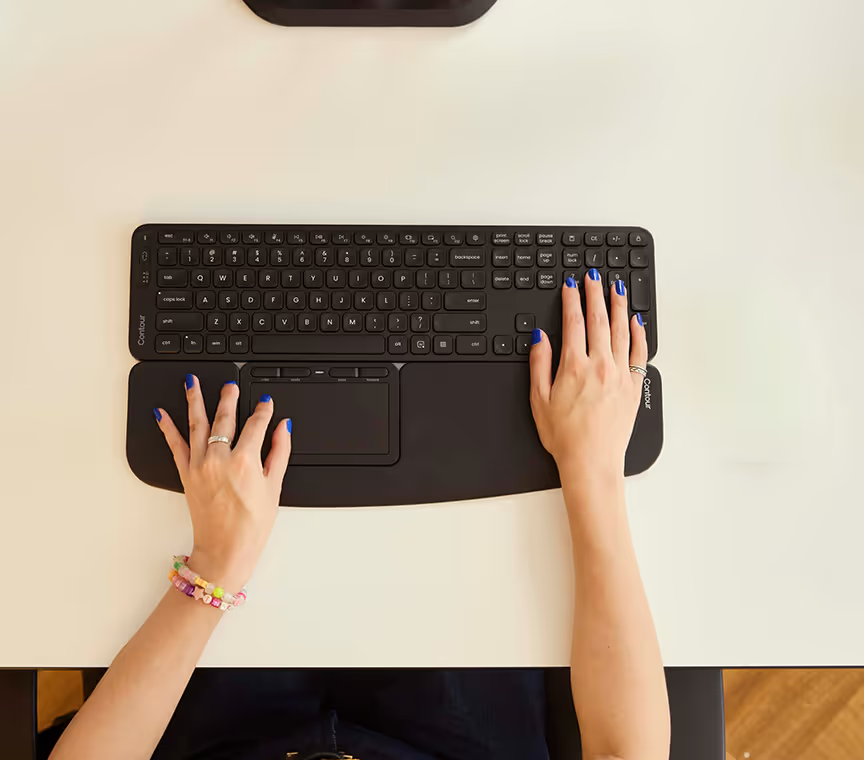
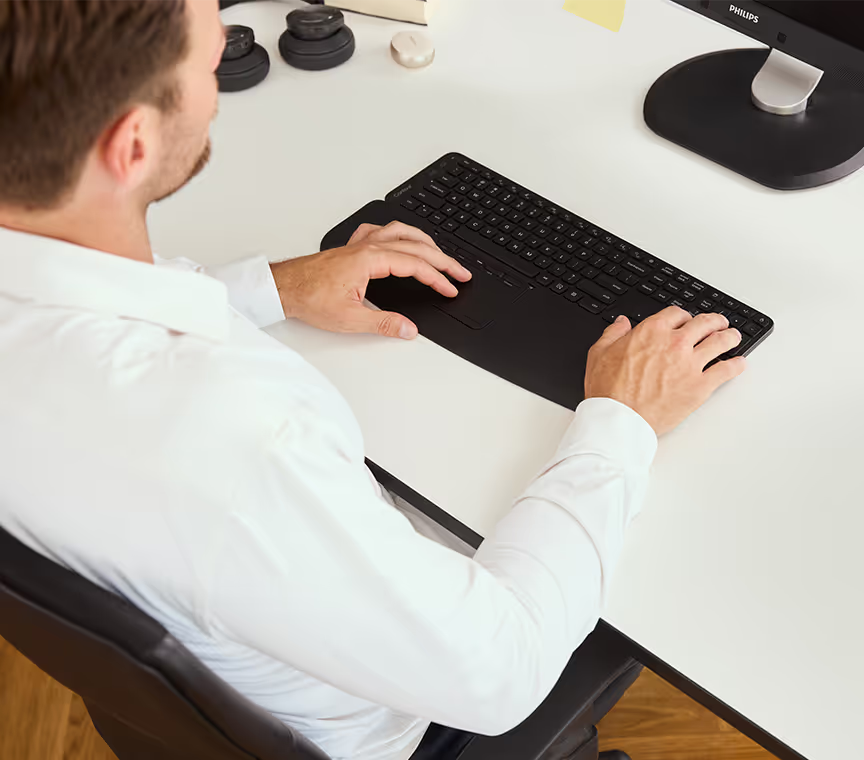
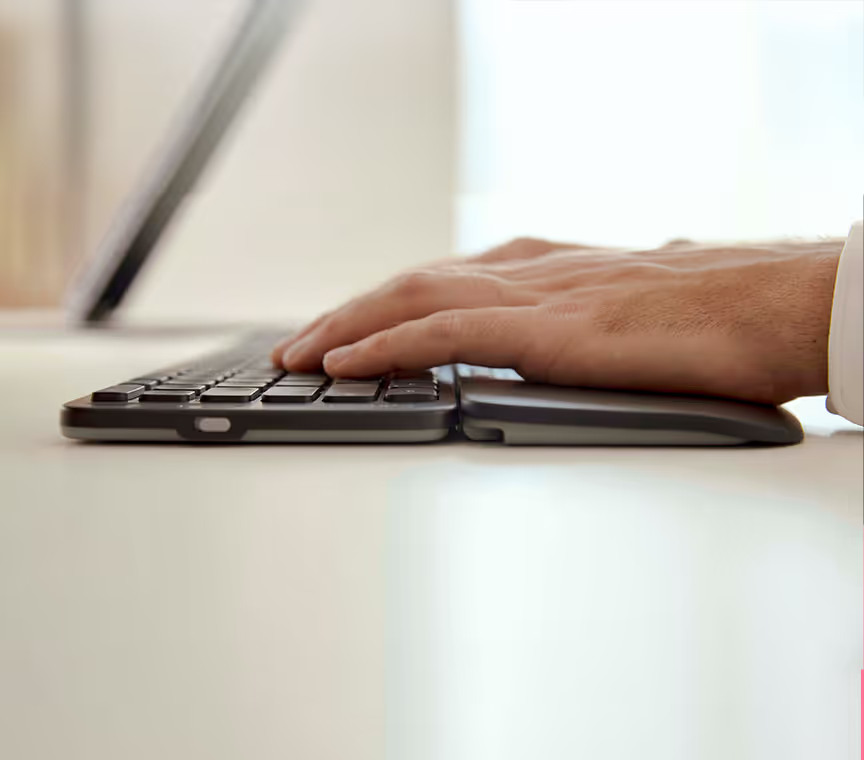
Like all centred pointing devices, the Contour Touch sits directly in front of your keyboard, filling the space between your spacebar and your body. Your arms remain in a natural, symmetrical position close to your torso, your shoulders stay completely relaxed, and navigation is controlled with intuitive fingertip movements on a central trackpad surface. For anyone dealing with shoulder impingement, neck and upper back tightness, tennis elbow, or RSI related to prolonged mousing, shifting to a centred posture provides immediate clinical relief.
The Touchpad Advantage: Familiar Control, Zero Learning Curve
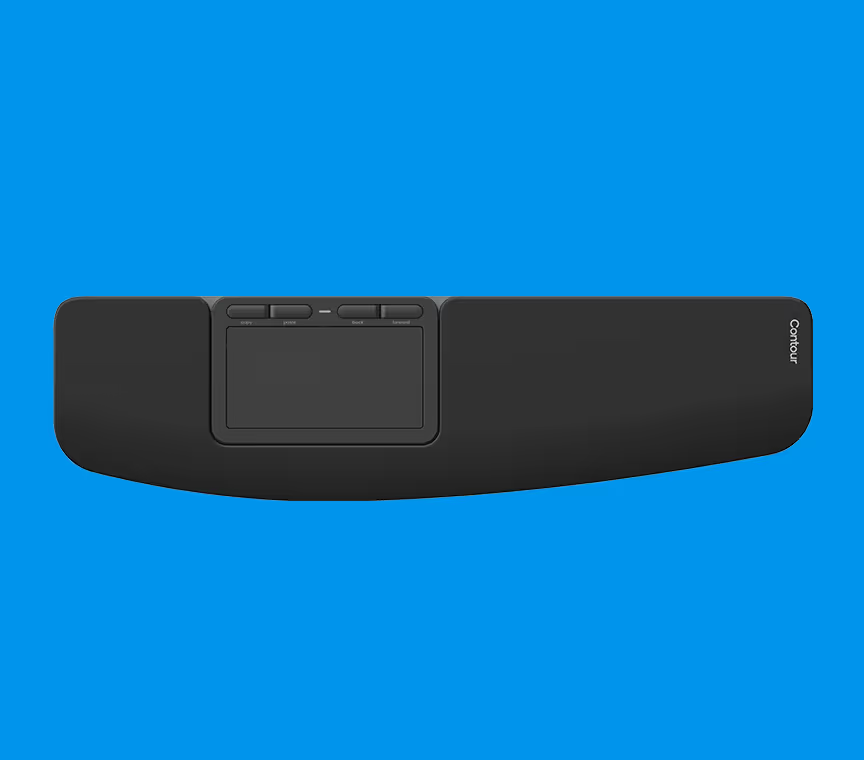
While traditional RollerMouse options rely on a rolling bar or slider, the Contour Touch introduces a high-resolution, gesture-based touchpad surface. If you are accustomed to laptop trackpads, there is virtually no learning curve. You get instant, fluid pointing, tapping, scrolling, and multi-touch gestures right out of the box, paired with the biomechanical benefits of a full-sized desk setup.
Integrated Full-Size Wrist Rest
Proper wrist support is essential to prevent extension and contact stress on the carpal tunnel. The Contour Touch features a full-size integrated wrist rest that supports your palms and wrists in a neutral, flat alignment. The cushioning is purposefully engineered: firm enough to maintain true structural support during long typing and mousing sessions, yet soft to the touch to prevent pressure points.
Click-Anywhere Precision & Customisable Shortcuts
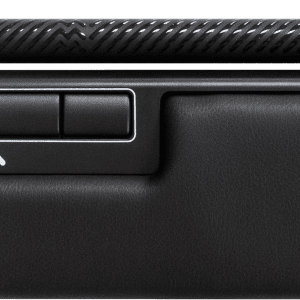
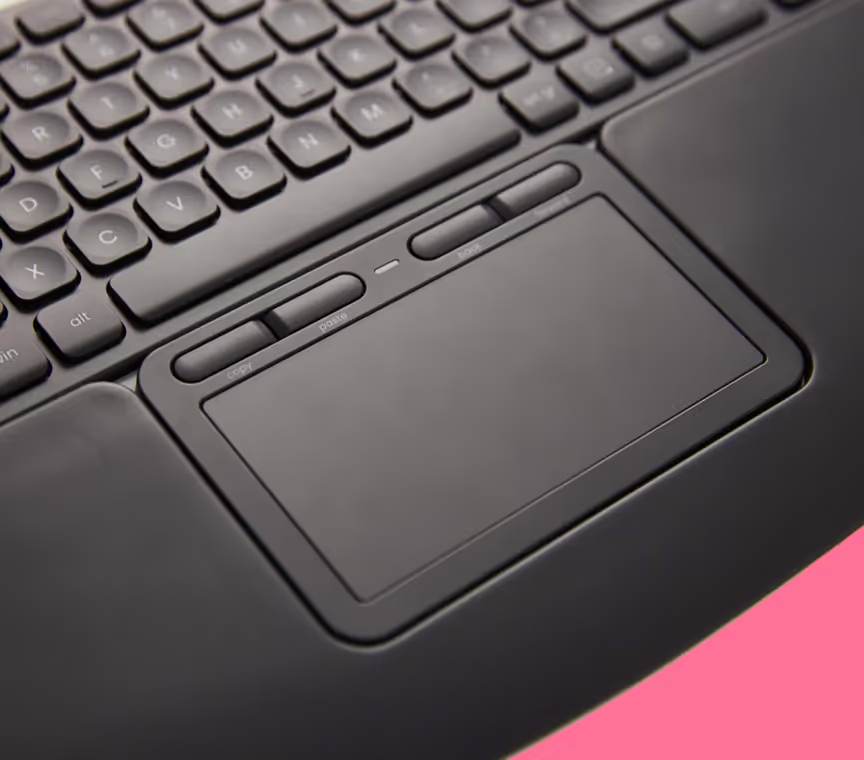
The smooth, high-precision trackpad allows effortless click-anywhere functionality across single or multi-monitor setups. Located right above the touchpad surface are dedicated physical shortcut buttons, pre-configured for high-frequency actions like copy, paste, back, and forward, and fully programmable to streamline your specific workflow.
If you’re unsure whether the Contour Touch, RollerMouse, or SliderMouse is best suited to your hand size and setup, click the Get Free Expert Advice button above — we evaluate hand dimensions, desk layouts, and symptom profiles to help you choose the right centred input device.
Specifications:
-
Design Concept: Centred, ergonomic trackpad device
-
Control Mechanism: High-resolution multi-touch trackpad with click-anywhere surface
-
Buttons: Dedicated shortcut buttons (copy, paste, back, forward) + fully programmable via driver
-
Wrist Rest: Integrated full-size cushioned wrist rest
-
Connectivity: Wired (USB-C)
-
Charging / Cable: USB Type-C charging cable included
-
Compatibility: Windows and macOS (Plug-and-Play)
-
Workstation Fit: Desktop PCs, laptops, and external ergonomic keyboards (e.g., Contour Balance Keyboard)